

Punchy! Moves animates your whole body in third person with the packs you load, and draws a face over the eyes it finds on your skin.
For Minecraft 1.20.1 to 26.3 on Fabric, Forge and NeoForge

Scenes from the trailer
Punchy! Moves in the game, from fishing off a dock to riding a nautilus out of the sea.
More on YouTube-
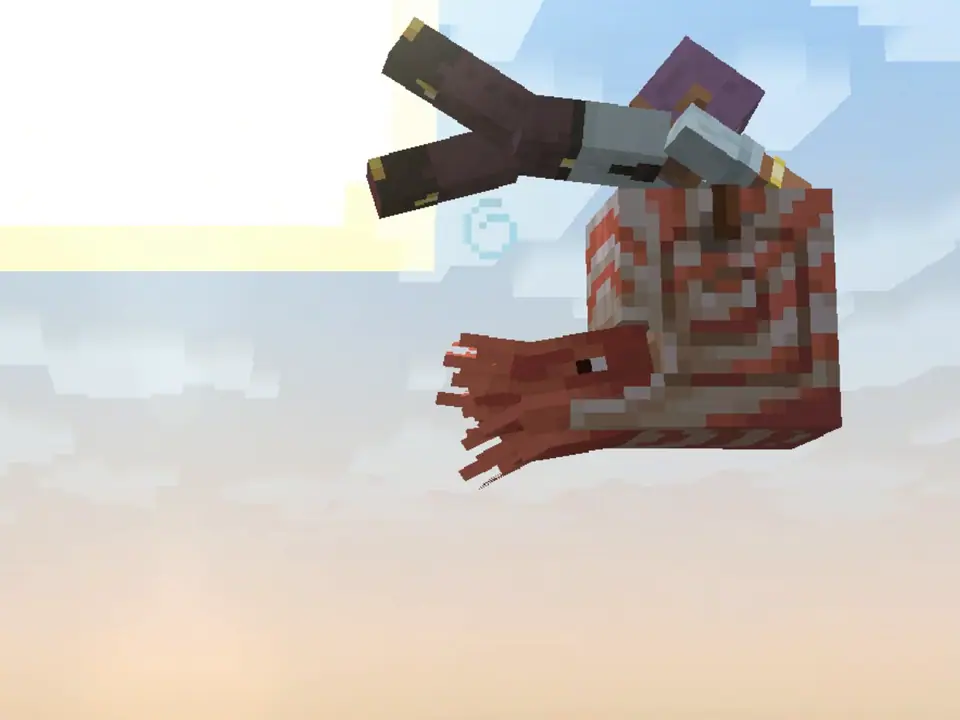
Riding a nautilus out of the sea -
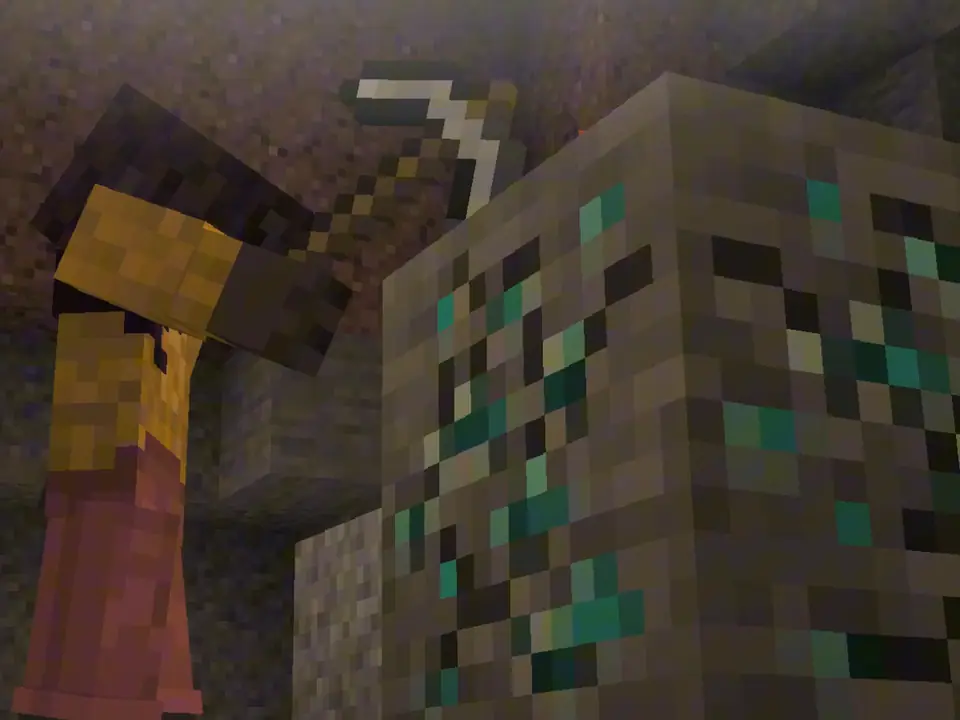
Mining in a cave -
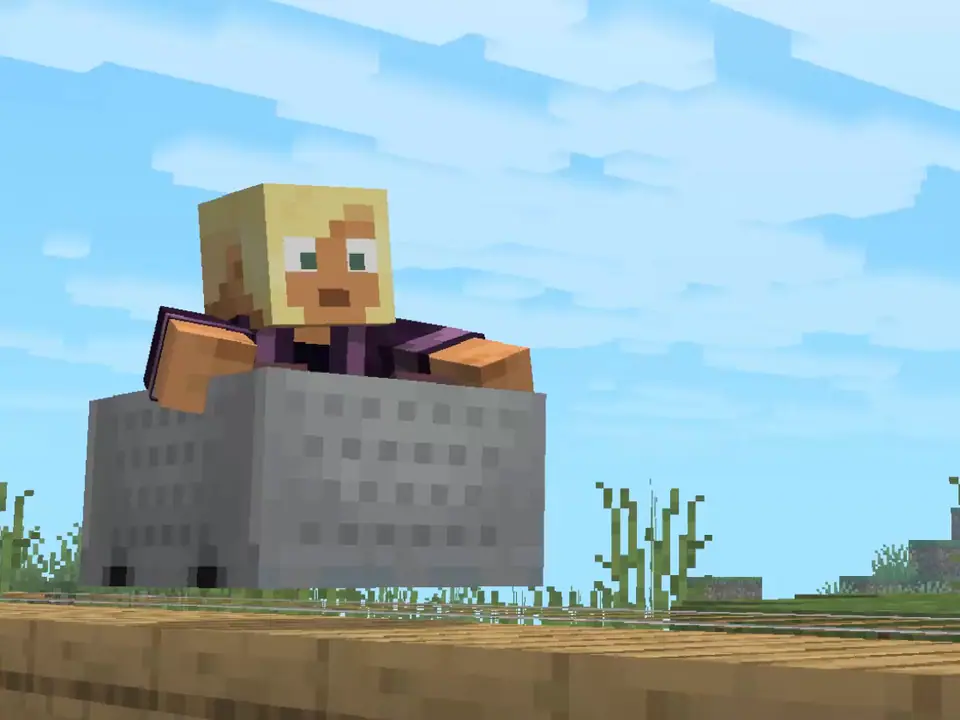
Riding a minecart -
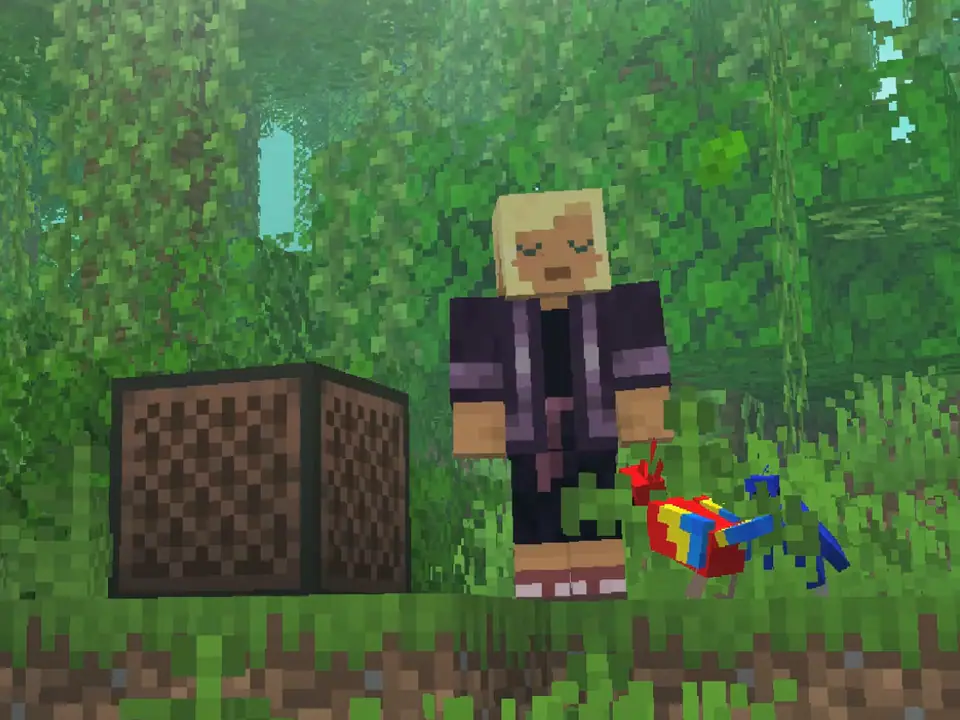
Dancing by a jukebox -
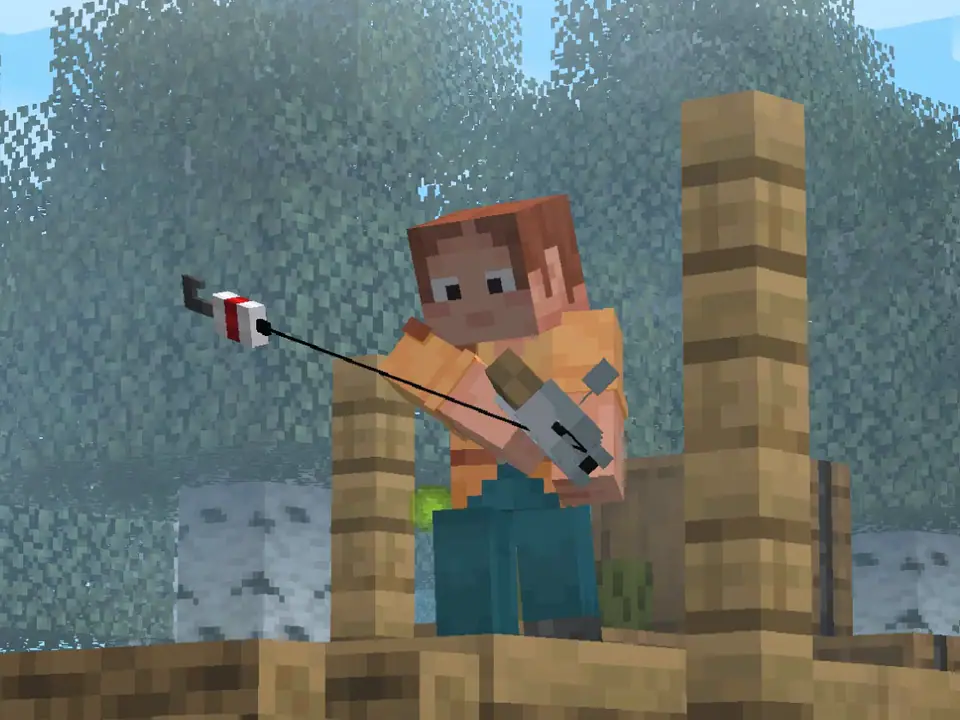
Fishing from a dock -
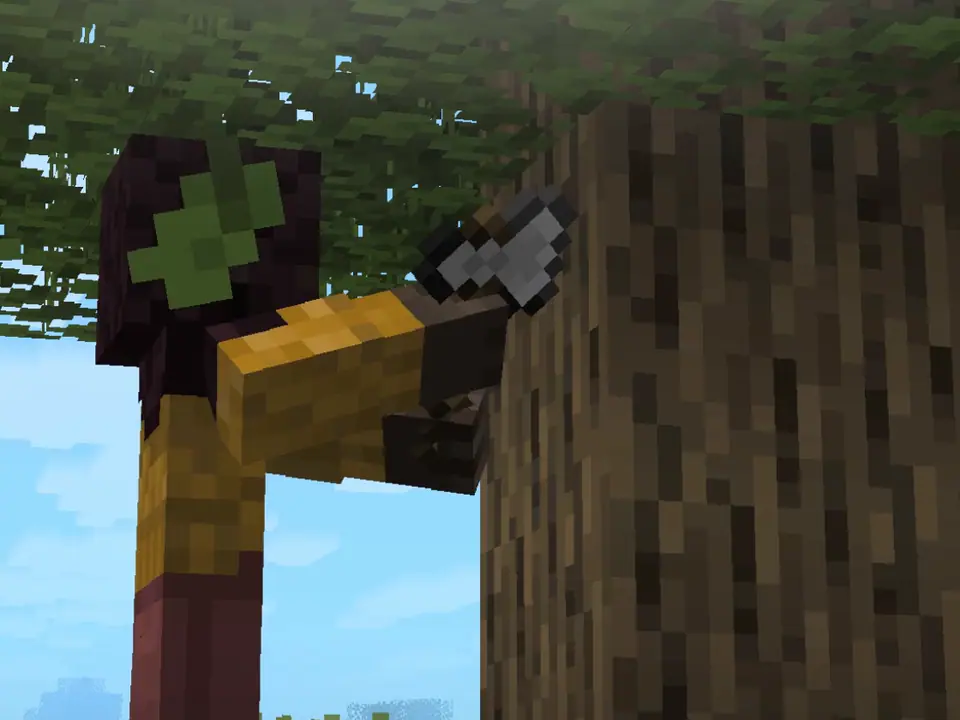
Chopping a tree


The animations in these stills come from the example pack provided by Crafto.
A clip for every moment
Moves has no animations of its own. Your pack names a clip for each moment, and Moves plays it and blends it into the next.
-
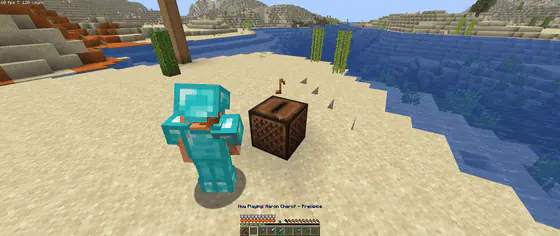
By a playing jukebox Stand still near it, and your pack’s listening loop runs until you move on. -
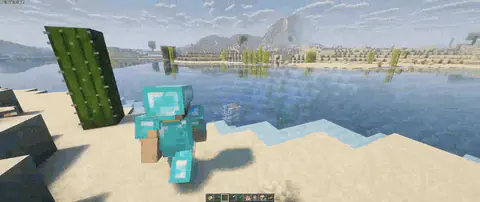
A dive from the shore The jump, the splash and the swim down each play a clip of their own. -

Swimming under water At the surface, under water, or straight up or down: each kind of swim plays its own clip.


Walking and sprinting, climbing, gliding with an elytra, riding and every swing of a weapon can have clips of their own too.
Every moment a pack can animateA face drawn from your skin
Moves looks for the eyes on your skin and draws a face over them, one that blinks, glances and reacts.
119 moments the face reacts to
-
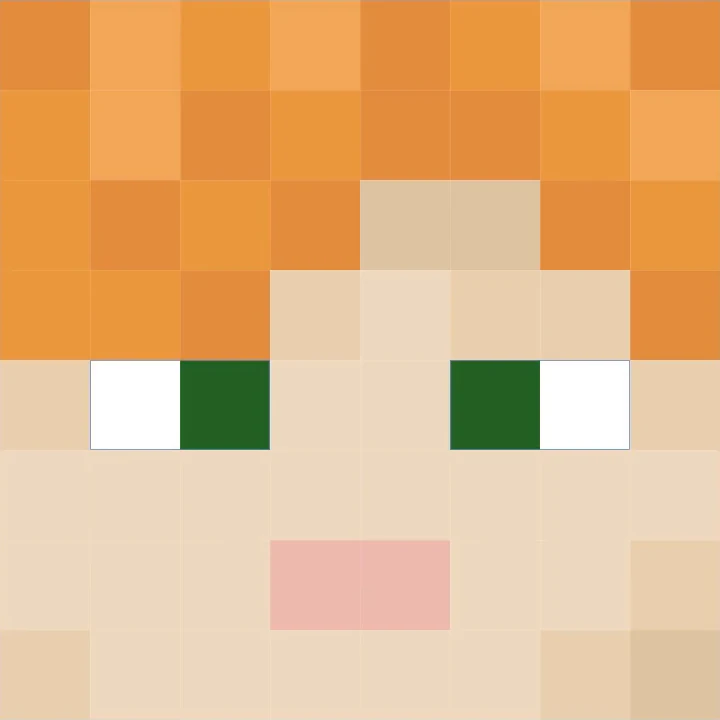
Found on the skin
The eyes Moves reads from the skin’s own pixels.
-
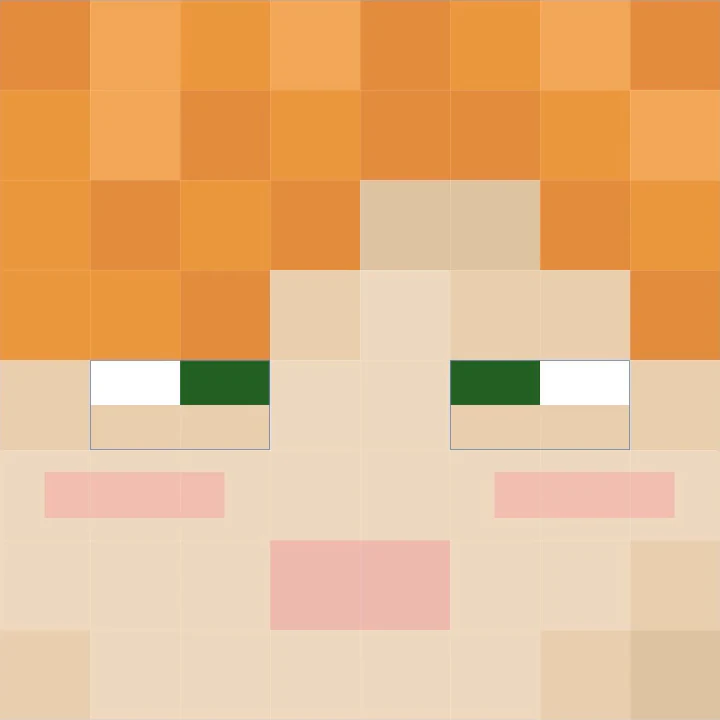
Happy
One of the 40 looks built into Moves.
-
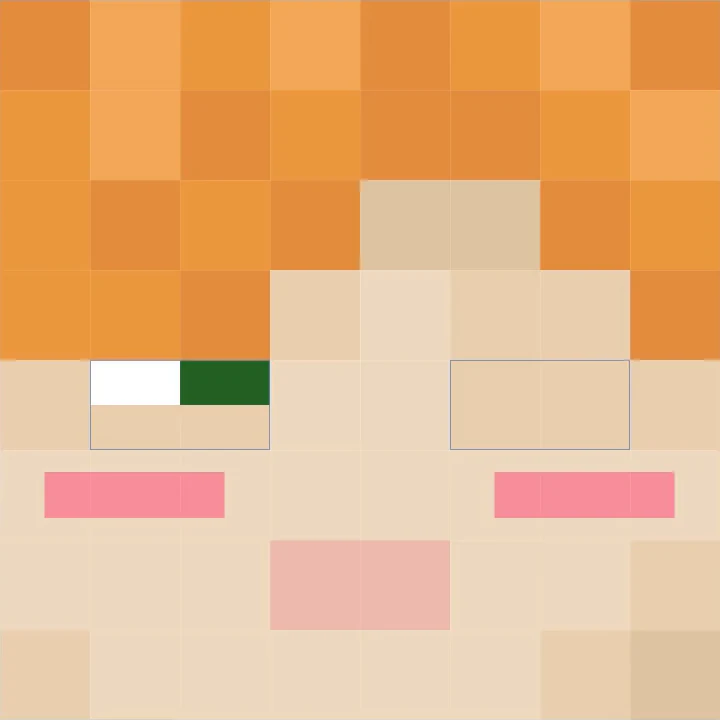
A wink and a blush
A pack’s own look, made from Happy.
-
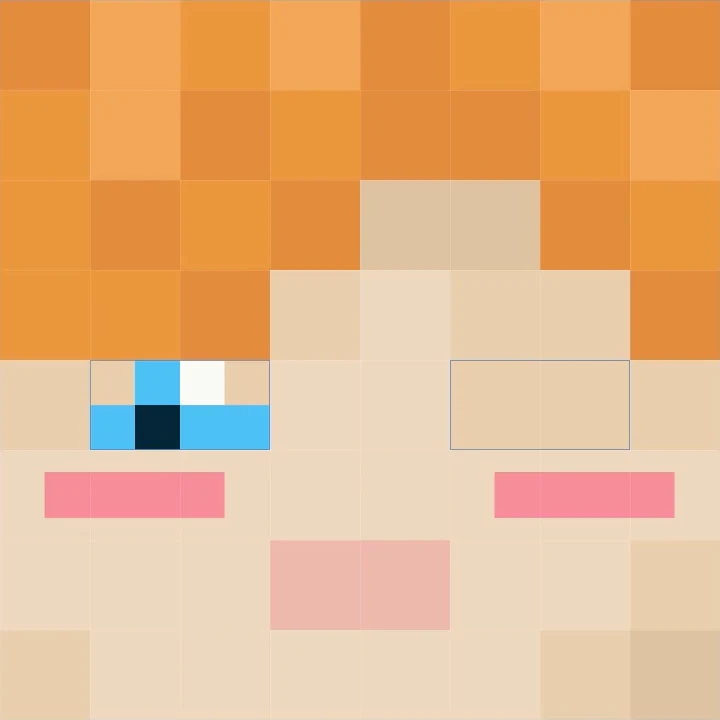
A gem for an eye
An eye shape a pack draws itself.


Eight of the reactions
- Scared
- A warden within 16 blocks
- Shocked
- A creeper about to blow
- Joyful
- Eating
- Squinting
- Rain falling on your head
- A wink
- Throwing a snowball or an egg
- Love
- Looking at your own pet or a baby animal
- Eyes shut
- Asleep in a bed
- Sleepy
- Standing still for a while
The face needs no pack, and a pack can add looks, draw eye shapes and change the face in any clip. With Punchy! installed, the Face tab of its menu holds the face settings and the face editor, where you can mark the eyes by hand when Moves cannot find them.
Faces in the wiki
25% OFF your first month

Play Punchy! with your friends on a Minecraft server of your own, hosted by BisectHosting.
We get a commission on every server, and it goes back into the mods.
Four keys to know
Press one on your keyboard, or tap it here, to see what it does. All of them can be changed in Minecraft’s Controls menu.
First person, third person
Punchy! animates your hands in first person. In every other view Moves animates your whole body, and F5, the game’s own view key, switches between them.
-
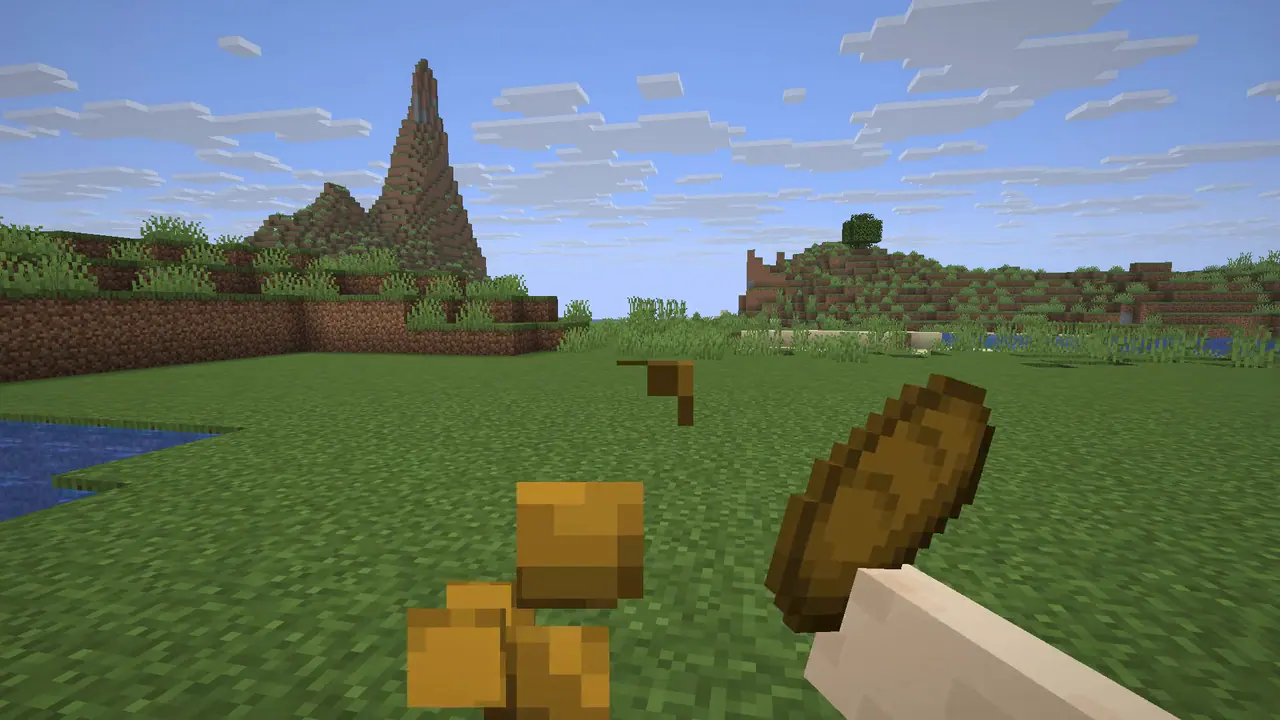
First person Punchy! Punchy! moves your hands and what they hold. -
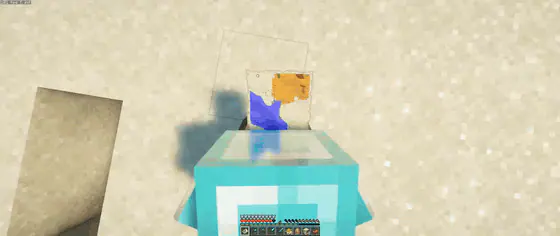
Third person Punchy! Moves Look down at a map and the camera moves in over your head to frame it.


Make your own moves
Either editor below makes clips for Moves, and both can ease any key with one of the 30 curves of easings.net.

-

Switch the editor to Third Person, key a clip on a player wearing your skin, give it a face, and watch it play on your own player in the game view before you export.
-

Download the Punchy! Moves rig and its plugin from the wiki. While you animate, the rig’s head shows the face the way the game draws it.

Every Moves demo in the wiki plays the example pack provided by Crafto, so that is where to see a whole pack at work.
Get Punchy! Moves
Download it from Modrinth or CurseForge. It runs on your own game, so a server needs nothing.
- 4 versions Minecraft Java Edition 1.20.1, 1.21.1, 1.21.11 and 26.3
- 3 loaders Fabric with Fabric API, Forge up to 1.21.11, NeoForge on 1.21.1 and 1.21.11
Moves has no animations of its own. To see them, load a pack such as the example pack provided by Crafto. Better Combat is optional. With it, a pack can give weapon attacks their own clips.